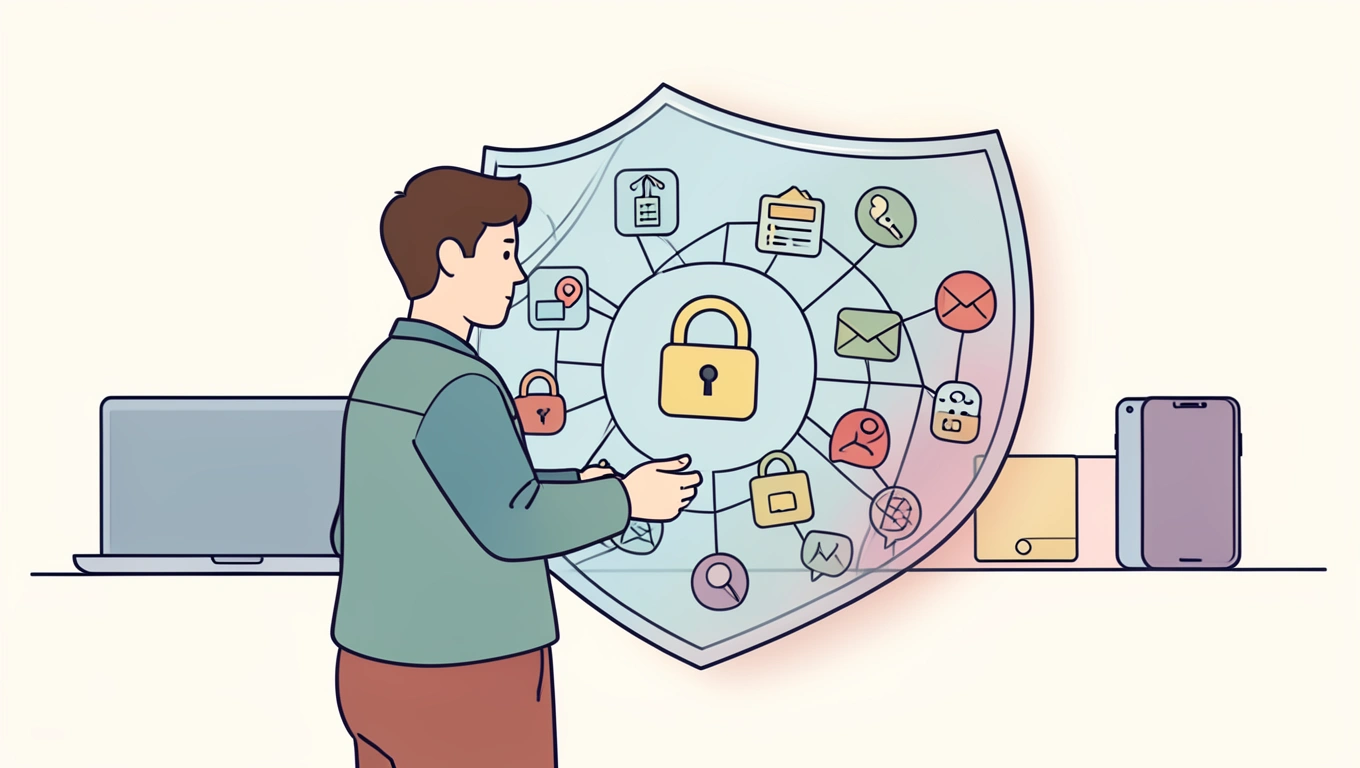
Your digital footprint is larger than you think. Every login, every purchase, every social media post leaves a trail of personal information that cybercriminals are constantly trying to exploit. Identity theft isn't just a headline - it's a real threat that affects millions of people each year, draining bank accounts, destroying credit scores, and causing years of headache to resolve. The good news? You don't need to be a tech expert to protect yourself. With a few strategic habits and smart decisions, you can significantly reduce your risk and keep your personal information out of the wrong hands. Let's walk through the practical steps that actually make a difference.
Build Fortress-Level Password Protection
Your passwords are the first line of defense, and weak ones are like leaving your front door wide open. The reality is that keeping your devices and accounts protected with strong, unique passwords is a fundamental step in online identity protection. What does "strong" actually mean? Think at least 12 characters mixing uppercase, lowercase, numbers, and symbols - but here's the catch: each account needs its own unique password.
I know what you're thinking. How am I supposed to remember 50 different complex passwords? You're not. That's what password managers are for. These tools generate and store complex passwords for you, so you only need to remember one master password. The investment of an hour to set one up saves you from the nightmare scenario of one breached password giving hackers access to your entire digital life.
Multi-factor authentication (MFA) adds an extra layer of security by requiring more than just a password, such as a text code or an authenticator app. Even if someone steals your password, they still can't get in without that second factor. Enable it everywhere it's offered - your email, banking apps, social media accounts, and shopping sites. It takes an extra five seconds to log in, but it makes you exponentially harder to hack.
💡 Pro Tip: Never reuse passwords across important accounts, especially banking and email. If a hacker compromises one site, they'll immediately try that same password on your bank, PayPal, and email. I learned this the hard way when a gaming forum breach led to unauthorized attempts on my Amazon account.
Watch What You Share on Social Media
Oversharing personal information on social media platforms makes individuals an easier target for cybercriminals. That innocent post about your childhood pet or your mother's maiden name? It might be giving away the answers to your security questions. Many online quizzes and games are designed to trick users into revealing answers that match common security questions, such as a pet's name or a mother's maiden name.
Think before you post personal details like your full birthdate, home address, phone number, or vacation plans. Announcing you'll be away for two weeks is basically an invitation to burglars, and posting real-time location check-ins tells strangers exactly where you are. Review your privacy settings regularly - platforms change them frequently, and what was private last year might be public now.
Consider what information is truly necessary to share publicly versus what you can limit to close friends only. Your professional network doesn't need to know your dog's name, your high school mascot, or the street you grew up on. These seemingly harmless details are goldmines for identity thieves trying to crack your security questions or build a profile to impersonate you.
💡 Pro Tip: When setting up security questions, lie. If the question asks for your first pet's name, make up something unguessable like "BlueTornado47" and store that fake answer in your password manager. Your actual childhood pet's name is probably all over your old Facebook posts.
Stay Alert for Phishing and Scams
Identity theft can occur through sophisticated methods like phishing, where attackers send deceptive emails to trick individuals into divulging sensitive information. These messages look increasingly legitimate, complete with official logos, convincing sender addresses, and urgent language designed to bypass your critical thinking. The email claiming your account will be suspended unless you click this link immediately? Almost certainly fake.
Real companies don't ask for passwords, Social Security numbers, or credit card details via email. When in doubt, don't click links in emails. Instead, type the company's website address directly into your browser and log in there. Check the sender's email address carefully - scammers use addresses like "support@amaz0n-security.com" that look right at a glance but aren't the real domain.
Phone scams have evolved too. Caller ID can be spoofed to look like it's coming from your bank or the IRS. Financial institutions and government agencies recommend never giving personal information to someone who calls you. If the call seems legitimate, hang up and call the organization back using the number on their official website.
Secure Your Devices and Network
Regularly updating your software, operating systems, and apps is crucial for ensuring your devices are protected against the latest software vulnerabilities. Those update notifications you keep dismissing? They're not just adding features - they're patching security holes that hackers actively exploit. Enable automatic updates whenever possible, especially for your operating system and antivirus software.
Malware can be installed on a device through infected email attachments, malicious links, or compromised websites, and once installed, it can steal personal information and login credentials. Never download attachments from unknown senders, avoid clicking suspicious links, and stick to official app stores when installing software. Free download sites that offer cracked versions of paid software are particularly risky.
Using public Wi-Fi networks can be risky because they often have minimal security measures, allowing others on the same network to potentially access your activity. That free Wi-Fi at the coffee shop? It's convenient, but anyone else on that network can potentially intercept your data. Avoid accessing banking or shopping sites on public Wi-Fi. If you must use it, consider a VPN service that encrypts your connection. At home, change your router's default password and use WPA3 encryption if your router supports it.
Monitor Your Accounts and Credit
Data breaches are a significant source of stolen personal information, as hackers can steal sensitive data like national identity numbers and passwords from company databases. You can't prevent companies from being breached, but you can catch suspicious activity early. Set up transaction alerts on your bank accounts and credit cards so you get notified immediately of any charges. Review your statements monthly, not just for big purchases but for small test charges that fraudsters often make first.
Check your credit reports at least once a year from each of the three major credit bureaus. You're entitled to free annual reports, and federal resources can help you understand what to look for and how to dispute errors. Look for accounts you didn't open, inquiries you didn't authorize, and addresses you've never lived at. These are red flags that someone might be using your identity.
Consider freezing your credit if you're not planning to apply for new loans or credit cards. A credit freeze prevents new accounts from being opened in your name, stopping one of the most common forms of identity theft. It's free, and you can temporarily lift the freeze whenever you need to apply for credit yourself. This single step blocks the majority of new-account fraud attempts.
Conclusion
It is almost impossible to remain completely anonymous online, even for active users, but that doesn't mean you're helpless. Protecting your identity online isn't about achieving perfect security - it's about making yourself a harder target than the person next to you. Criminals look for easy opportunities, and each layer of protection you add makes them more likely to move on to someone else. The habits we've covered - strong unique passwords, careful social media use, skepticism toward unexpected messages, updated devices, and regular monitoring - work together to create a robust defense.
Start with one change today. Enable two-factor authentication on your email account, or install a password manager, or freeze your credit. You don't have to overhaul everything overnight. Small, consistent improvements add up to significant protection over time. Your future self, the one who doesn't have to spend months recovering from identity theft, will thank you for the effort you put in now.
FAQs
How do I know if my identity has been stolen?
Warning signs include unfamiliar charges on your bank statements, bills for accounts you didn't open, calls from debt collectors about debts you don't recognize, medical bills for services you didn't receive, or being denied credit unexpectedly. You might also receive tax documents for employers you've never worked for, or notice your credit score has dropped significantly without explanation. If you notice any of these, request your credit reports immediately and consider filing a report with the Federal Trade Commission.
Are password managers really safe to use?
Reputable password managers use strong encryption to protect your data, and even the company itself can't access your master password or vault contents. The risk of using weak or repeated passwords across dozens of sites is far greater than the risk of using a well-established password manager. Choose one with a strong security track record, enable two-factor authentication on the manager itself, and make sure your master password is long and unique - something you've never used anywhere else.
What should I do immediately after a data breach affects a service I use?
Change your password for that service immediately, and change it on any other accounts where you used the same password. Enable two-factor authentication if you haven't already. Monitor your accounts closely for the next few months for any suspicious activity. If the breach exposed sensitive information like Social Security numbers or financial data, consider placing a fraud alert or credit freeze on your credit reports to prevent new accounts from being opened in your name.
Can I safely use banking apps on my phone?
Yes, as long as you take basic precautions. Keep your phone's operating system and apps updated, use a strong passcode or biometric lock on your device, and only download banking apps from official app stores. Avoid rooting or jailbreaking your phone, as this removes important security protections. Don't use banking apps on public Wi-Fi unless you're using a VPN. If your phone is lost or stolen, contact your bank immediately to disable mobile access to your accounts.
How often should I change my passwords?
You don't need to change passwords on a schedule if they're strong and unique. Change a password immediately if you suspect it's been compromised, if the service announces a breach, if you accidentally entered it on a phishing site, or if you shared it with someone who no longer needs access. Forcing yourself to change passwords every 90 days often leads to weaker passwords or small predictable variations. Focus instead on making each password strong, unique, and stored in a password manager rather than changing them arbitrarily.