Your photos, documents, and playlists aren't sitting on your device anymore. They're somewhere else - somewhere you've been told is safe, accessible, and always available. But where exactly is that? When someone says your data is in the cloud, what does that actually mean? It's not floating in the sky, and it's definitely not weightless. The cloud is physical, tangible, and consuming more resources than most people realize. Understanding where your data actually lives, how it gets there, and what happens to it matters more than ever as we collectively store over 100 zettabytes of information online.
What the Cloud Actually Is
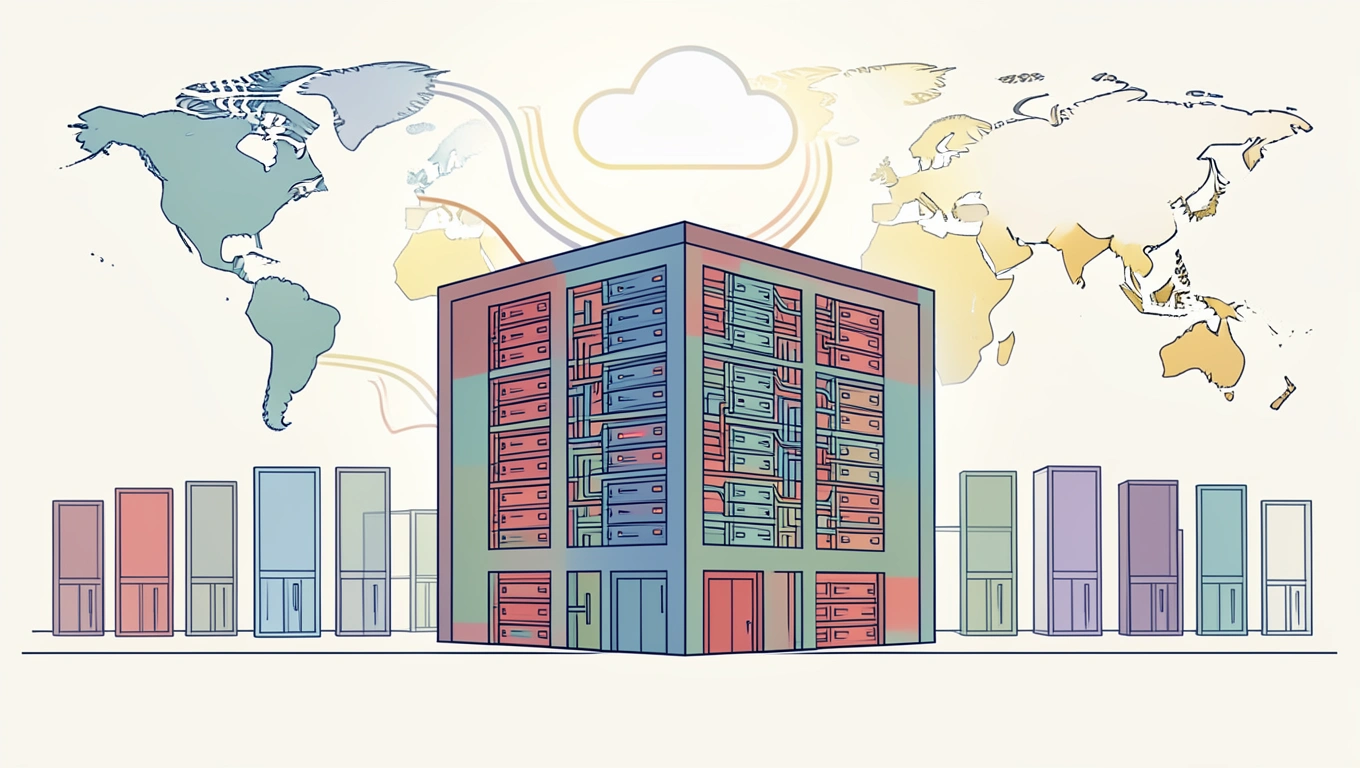
The cloud is a network of physical servers housed in massive data centers scattered across the globe. When you upload a file to Google Drive or stream a show on Netflix, you're sending data to one of these facilities - often a warehouse-sized building filled with rows upon rows of computers running 24/7. These servers are owned and operated by companies like Amazon, Microsoft, Google, and others who rent out storage and computing power to businesses and individuals.
The concept isn't new. Time-sharing, which let multiple users access a single computer, was developed in the 1950s and 1960s. But the term "cloud computing" only appeared in 1996 in a Compaq document, then formally in 1997 when Professor Ramnath Chellappa used it in an academic paper. The idea caught on because it solved a real problem - businesses didn't need to build and maintain their own expensive server infrastructure anymore.

Today, cloud computing means on-demand access to computing resources over the internet. You pay for what you use, scale up or down as needed, and let someone else handle the hardware maintenance, cooling systems, and security updates. Around 94% of companies worldwide use cloud services now, and the market is projected to exceed $1.1 trillion by 2024.
💡 Pro Tip: Before choosing a cloud provider, check where their data centers are actually located. If you're in Europe and your data is stored in the US, you're dealing with different privacy laws and potentially slower access times. Most providers let you choose your region during setup.
Where Your Data Actually Lives
Your data doesn't exist in just one place. When you save a file to the cloud, it's typically copied across multiple servers in different locations. This redundancy ensures that if one server fails, your data survives on another. A single photo might exist simultaneously in Virginia, Oregon, and Ireland.
Major cloud providers operate data centers on nearly every continent. Microsoft Azure has over 60 regions worldwide. Amazon Web Services has facilities in countries from Brazil to South Korea. These aren't small operations - a single data center can span hundreds of thousands of square feet and consume enough electricity to power a small city.
The physical reality is staggering. These buildings need constant cooling to prevent servers from overheating. They require backup generators, redundant internet connections, and sophisticated security systems. Some are built near hydroelectric dams or wind farms to access cheaper, cleaner energy. Others use advanced cooling techniques like submerging servers in special fluids or pumping cold water from nearby lakes.
Your streaming habits, work documents, and social media posts are all contributing to this massive infrastructure. And contrary to the ethereal name, digital technology has weight and environmental impact. The energy required to power global data centers and transfer information accounts for roughly 2% of worldwide electricity use - about the same as the airline industry.
💡 Pro Tip: Delete old files you don't need anymore. That forgotten folder of screenshots from 2019 is sitting on multiple servers, consuming energy and costing the provider money. Regular cleanup isn't just good digital hygiene - it's better for the environment than you'd think.
How Cloud Security Really Works
When your data travels to the cloud, it's encrypted - turned into unreadable code that only authorized parties can decrypt. This happens in transit (while moving across the internet) and at rest (while stored on servers). If someone intercepted your file during upload, they'd see gibberish without the decryption key.
But security isn't automatic or foolproof. You control access through passwords, two-factor authentication, and permission settings. If your account credentials are weak or compromised, encryption doesn't help. The provider can typically see your data unless you use end-to-end encryption, which only you and your intended recipient can decrypt.
Cloud providers invest heavily in physical security too. Data centers have biometric scanners, security guards, surveillance systems, and strict access controls. You can't just walk into one of these facilities. Even employees have limited access to specific areas based on their role.
The real vulnerability often isn't the cloud itself - it's human error. Misconfigured settings, shared login credentials, or clicking phishing links cause more breaches than sophisticated hacking. When a company announces a data leak, it's usually because someone left a digital door unlocked, not because the cloud infrastructure itself failed.
Why Serverless Still Uses Servers
Here's something that confuses people: serverless computing still runs on physical servers. The term means you don't manage or provision servers yourself - the cloud provider handles everything behind the scenes. You just write your code and it runs when needed, automatically scaling based on demand.
This approach makes sense for applications with unpredictable traffic. Instead of paying for a server that sits idle most of the time, you only pay when your code actually executes. A website that gets occasional visitors might cost pennies per month in a serverless setup, while a traditional server would cost $5 to $50 monthly regardless of usage.
The provider constantly juggles resources, running hundreds of customers' code on shared infrastructure. When your function needs to execute, it spins up on available hardware, runs, and shuts down. This happens in milliseconds. From your perspective, it feels instant and infinite. Behind the scenes, it's an elaborate orchestration of very real, very physical machines.
The Environmental Cost of Convenience
We talk about digital as if it's immaterial, but treating technology as weightless ignores the tangible impact. Every email sent, video streamed, and file stored requires electricity and hardware that eventually needs replacing.
Data centers generate heat, use water for cooling, and create electronic waste. Server hardware typically gets replaced every three to five years as components degrade or become outdated. That's millions of tons of equipment that needs responsible recycling or disposal.
Some providers are doing better than others. Google claims its data centers are carbon-neutral. Apple uses 100% renewable energy for its cloud services. Microsoft pledged to be carbon-negative by 2030. But these are massive undertakings that require continuous investment and innovation.
You can't eliminate your digital footprint, but being mindful helps. Store what you need, not everything you've ever created. Use lower video quality when high definition isn't necessary. Choose providers who prioritize sustainability. Small choices add up when billions of people make them.
Conclusion
Your data isn't floating anywhere. It's sitting on hard drives in buildings you'll never visit, maintained by people you'll never meet, consuming electricity around the clock. The cloud is a brilliant abstraction that makes technology accessible and affordable, but it's built on very real infrastructure with very real costs.
Understanding this doesn't mean you should abandon cloud services. They've enabled collaboration, innovation, and access that would've been impossible otherwise. Small businesses can compete with large corporations because they can rent enterprise-level infrastructure. Remote work became viable partly because we could access files from anywhere.
But knowing the reality behind the metaphor changes how we use these services. It adds weight to decisions about what to store, how long to keep it, and which providers to trust. The cloud isn't magic - it's engineering, logistics, and an enormous amount of physical resources working together to make your digital life possible.
FAQs
Can cloud providers see my files?
Technically, yes, unless you use end-to-end encryption where only you hold the decryption key. Most providers encrypt your data but also have the ability to decrypt it for legal compliance, troubleshooting, or their own features like search indexing. Read the privacy policy to understand what access the provider has and under what circumstances they might view or share your data.
What happens if a data center is destroyed?
Your data should survive because reputable providers replicate it across multiple geographically distributed data centers. If one facility goes offline due to fire, flood, or other disaster, copies exist elsewhere and become immediately accessible. This redundancy is built into cloud architecture specifically to prevent data loss from localized catastrophes.
Is my data stored in just one country?
Not necessarily. Cloud providers often distribute data across regions for performance and reliability, which can mean your files physically exist in multiple countries simultaneously. You can usually specify a preferred region during setup, which matters for legal compliance (different countries have different data protection laws) and access speed (closer servers mean faster downloads).
How long does deleted cloud data actually stay around?
Most providers keep deleted data for 30 to 90 days in case you need to recover it, then permanently erase it from their systems. However, the deletion timeline varies by service and account type. Enterprise accounts may have longer retention periods, and backup systems might hold data even longer for disaster recovery purposes.
Does uploading at night use less energy?
For data centers, no. They run continuously regardless of when you upload. However, transferring large files during off-peak hours can be faster because network congestion is lower. Some utilities charge less for electricity at night, so if you're concerned about your own energy costs for uploads, scheduling them for overnight might save money on your personal electric bill.