
In 2026, the average office worker switches between apps and websites nearly 1,200 times per day. That constant context-switching drains focus, fractures attention, and leaves us exhausted by lunch. But here's the paradox: the right apps can actually help you reclaim that lost focus and get more done in less time. The key is choosing tools that reduce friction rather than add to the noise. This guide walks through the must-have apps that genuinely move the needle on productivity and focus, backed by real usage data and designed to fit how you actually work.
Task Management Apps That Actually Stick
You've probably downloaded a dozen to-do list apps over the years. Most of them gather digital dust after a week because they demand too much setup or feel like homework. The apps that stick are the ones that meet you where you are. Todoist remains a favorite for good reason: it uses natural language processing so you can type "meeting with Sarah next Tuesday at 3pm" and it automatically creates the task with the right date and time. No clicking through calendars or dropdown menus.
Notion has evolved beyond a note-taking app into a full workspace. You can build custom databases, link related projects, and create templates that save you hours of repetitive setup. It's particularly useful if you manage multiple projects or collaborate with a team. The learning curve exists, but once you build a system that fits your workflow, it becomes indispensable.
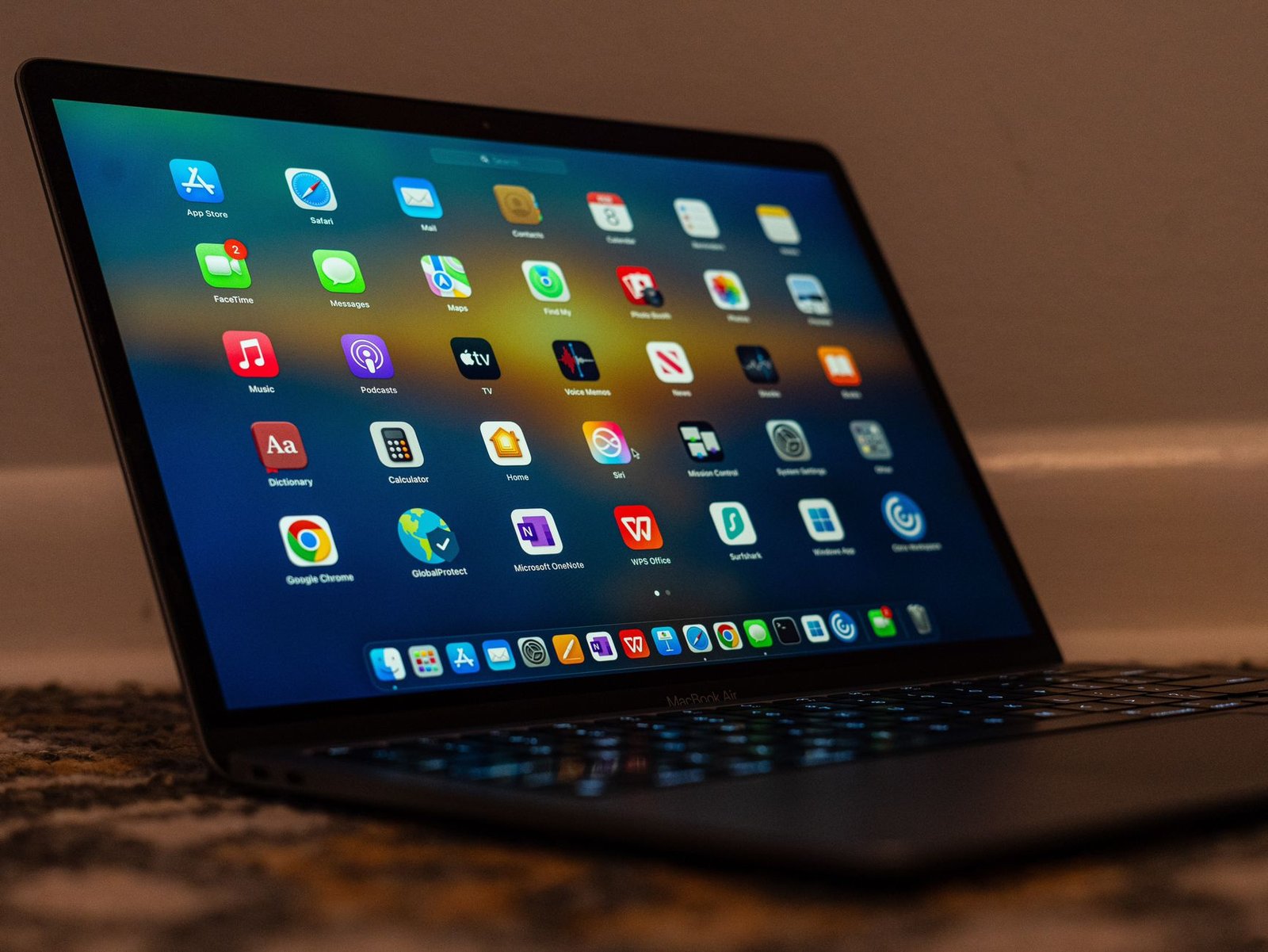
For teams, Microsoft Teams crossed 320 million monthly active users globally in early 2024. That massive adoption happened because it integrates task lists, file sharing, and communication in one place. When you can assign tasks during a video call and have them automatically appear in someone's to-do list, you eliminate the friction of switching between apps to follow up.
💡 Pro Tip: Set up your task app with just three priority levels, not five or seven. When everything can be "high priority" or "medium-high priority," nothing actually is. Stick to critical, important, and later - it forces you to make real decisions about what actually matters today.
Focus and Time-Blocking Tools
Pomodoro timers dominate the focus app landscape. A 2024 study of 124 focus apps found that 55.6% offered Pomodoro or interval timers as their core feature. The technique works because it aligns with how our brains actually function. You work in 25-minute sprints, take a 5-minute break, and repeat. Four cycles in, you take a longer 15-30 minute break. This rhythm prevents burnout while maintaining momentum.
Forest takes the Pomodoro concept and gamifies it in a way that doesn't feel childish. You plant a virtual tree when you start a focus session. If you leave the app to check social media or email, your tree dies. Over time, you build a forest that represents your cumulative focused hours. The visual feedback creates just enough motivation to push through the urge to check your phone.
RescueTime runs quietly in the background and tracks exactly where your time goes. It categorizes websites and apps as productive or distracting based on your goals, then generates detailed reports. The data can be confronting. You might think you spend 90 minutes a day on email when the real number is closer to three hours. That awareness alone often triggers behavior change. The premium version lets you set focus time that blocks distracting sites entirely.
Freedom works differently. Instead of tracking, it blocks. You can schedule recurring block sessions for specific apps, websites, or even your entire internet connection. If you know you lose an hour every afternoon to scrolling, you can set up a daily 2pm-3pm block that removes the option entirely. Sometimes the best productivity hack is removing the decision altogether.
💡 Pro Tip: Most people fail at time-blocking because they schedule every minute of the day, then abandon the whole system when one meeting runs long. Build in 30-minute buffer blocks between major tasks - that breathing room absorbs the inevitable disruptions without derailing your entire day.
Communication Apps That Respect Your Attention
Email remains the backbone of professional communication. Gmail serves over 1.8 billion people worldwide as of 2026. But email can also be a productivity black hole. The constant ping of new messages fragments your focus and creates the illusion of urgency around things that can wait.
Superhuman rebuilt email from the ground up for speed. Every action has a keyboard shortcut. You can snooze messages until a specific time, set reminders to follow up if someone doesn't reply, and clear your inbox to zero in minutes instead of hours. It costs $30 per month, which feels steep until you calculate how much time you spend drowning in email. For many people, it pays for itself in the first week.
Slack revolutionized workplace communication by replacing long email threads with organized channels. But it also created a new problem: the expectation of instant response. The solution is treating Slack like email, not like texting. Set specific times to check it rather than leaving it open all day. Use status messages to signal when you're in deep work mode. The app supports scheduled "do not disturb" hours that automatically mute notifications.
Loom changed how teams communicate asynchronously. Instead of scheduling a 30-minute meeting to walk someone through a process, you record a quick video showing your screen while you explain. The recipient watches on their own time, at 1.5x speed if they want, and can rewatch unclear parts. It feels more personal than written instructions but respects everyone's schedule better than synchronous meetings.
AI-Powered Productivity Assistants
ChatGPT became the most downloaded productivity and tools app in 2025, with 845.3 million downloads. That explosive growth reflects a genuine shift in how people work. AI assistants now handle tasks that used to consume hours: drafting emails, summarizing long documents, brainstorming ideas, even writing code.
The productivity gain isn't about replacing human thinking. It's about offloading the mechanical parts so you can focus on the parts that actually need your expertise. Need to draft three versions of the same email with different tones? ChatGPT can generate all three in seconds. You review, edit, and choose the best one. That review process still requires judgment, but you've eliminated 20 minutes of staring at a blank screen.
Notion AI integrates directly into your workspace. You can highlight a paragraph and ask it to simplify the language, expand on an idea, or translate it into another language. Grammarly evolved beyond spell-check into a full writing assistant that suggests stronger word choices and catches unclear phrasing. These tools work best when you treat them as collaborators, not replacements.
The productivity app market generated $32.5 billion in revenue in 2024, driven largely by office suites and AI applications. That number reflects both the scale of the problem and the value people place on solving it. When the right tool saves you an hour a day, a $10 monthly subscription feels like a bargain.
Conclusion
The best productivity system is the one you'll actually use. That means choosing apps that fit your natural workflow rather than forcing yourself to adapt to someone else's system. Start with one app from each category: a task manager, a focus tool, and a communication app that respects your time. Use them consistently for two weeks before adding anything else. The goal isn't to have the most sophisticated setup. It's to spend less time managing your tools and more time doing work that actually matters. Most people don't need more apps - they need fewer, better-chosen ones that solve real friction points. Pick tools that remove obstacles rather than add complexity, and you'll find your focus and output improve without feeling like you're constantly fighting your own system.
FAQs
How many productivity apps should I use at once?
Three to five is the sweet spot for most people. More than that and you spend too much time managing the apps themselves. Choose one task manager, one focus tool, one communication hub, and optionally an AI assistant and a time-tracker. If two apps serve overlapping purposes, pick the one that fits your workflow better and commit to it fully.
Are free versions of productivity apps good enough?
Free versions work well for individuals or light use. Todoist's free tier handles basic task management perfectly. You typically need premium features when you're collaborating with teams, need advanced automation, or want deeper analytics. Try the free version first, identify what's missing, then upgrade only if those specific features would genuinely change how you work.
Can productivity apps actually hurt focus?
Yes, if you use too many or constantly tinker with settings instead of working. App-hopping becomes procrastination disguised as optimization. The most productive people often use simple, even boring tools - they've just mastered them completely. Notifications from productivity apps can also become distractions themselves, so configure them carefully and turn off anything that doesn't require immediate action.
How do I choose between similar apps like Todoist and Asana?
Test both with a real project, not hypothetical tasks. Todoist excels for individual use with its natural language input and clean interface. Asana offers more powerful team features and project visualization like Kanban boards. Your choice depends on whether you work mostly solo or need robust collaboration tools. The best app is whichever one you'll open every morning without thinking about it.
Do I need different productivity apps for work and personal life?
Most people benefit from keeping everything in one system with clear project or tag separation. Switching between apps creates friction and increases the chance something falls through the cracks. Use your work task manager for personal tasks too, just organize them into separate projects or use tags like "personal" and "work." The exception is if your employer requires specific tools for compliance or security reasons.